Salesforce ERP Integration
Salesforce–Acumatica Integration provides a governed store configuration that connects Salesforce and Acumatica with credential validation, cross-reference mapping, and policy-driven import and export flows. Orders are imported from Salesforce into Acumatica with configurable defaults; customers, items, price books, and discounts can be synchronized; and approved changes in Acumatica can be pushed back to Salesforce. Options for taxes, payments, and address overrides keep postings compliant, while inquiry and history pages give operators traceability from initial import through updates and releases.
Salesforce ERP Integration
Salesforce–Acumatica Integration provides a governed store configuration that connects Salesforce and Acumatica with credential validation, cross-reference mapping, and policy-driven import and export flows. Orders are imported from Salesforce into Acumatica with configurable defaults; customers, items, price books, and discounts can be synchronized; and approved changes in Acumatica can be pushed back to Salesforce.
Options for taxes, payments, and address overrides keep postings compliant, while inquiry and history pages give operators traceability from initial import through updates and releases.
1
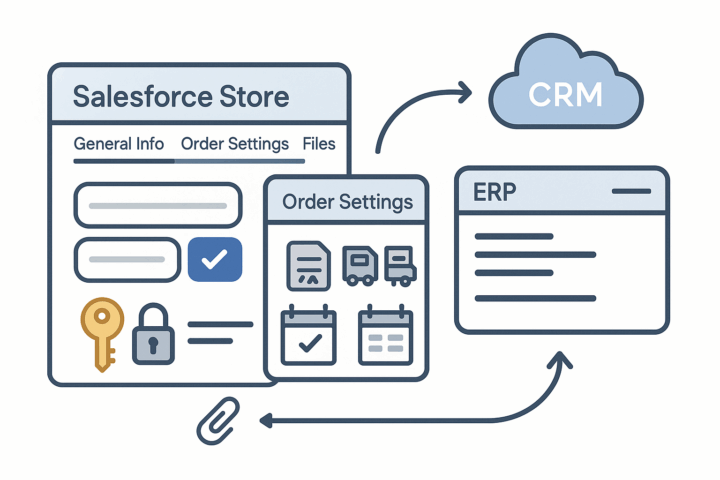
Governed store setup and credential validation
A dedicated Salesforce Store screen centralizes configuration with a store code and description and organizes settings across tabs. General Info captures API credentials and includes a Test Credentials action so connectivity is verified before processing. Order Settings defines import destinations, order types, default warehouse, and rolling dates (such as last imported order or price book) to control fetch windows. An Enable File Import Process option brings attached files from Salesforce onto the Acumatica Sales Order workspace for reference during processing.
2
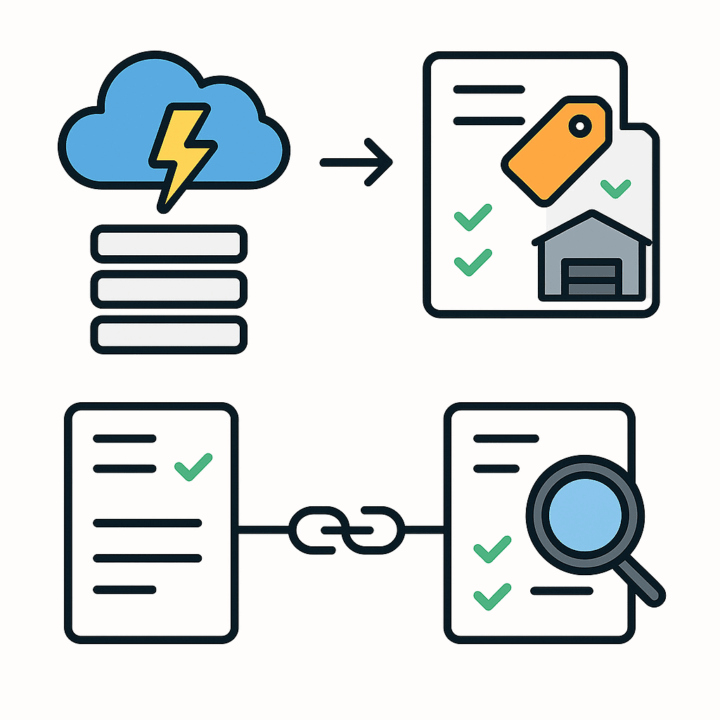
Policy-driven order import and inquiry
Operators retrieve orders using Get Orders and then Import or Import All into Acumatica as the configured document type. Defaults and calculations from Order Settings ensure the imported order lands with the correct type, warehouse, and behaviors. A Salesforce Orders Inquiry provides a linked view of imported orders, showing the originating Salesforce order details alongside the Acumatica SO number and status for rapid verification and troubleshooting.
3
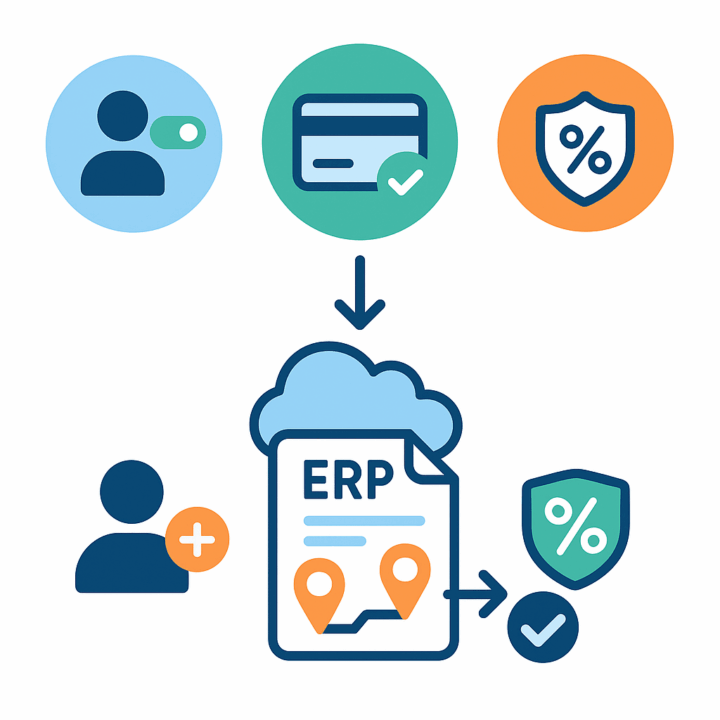
Flexible customer, payment, and tax handling
Customer creation is optional. If Import Customer is enabled, Acumatica creates the customer with email and contact data using a selected class; otherwise a default customer is used. Address overrides let you place Salesforce bill-to and ship-to addresses directly on the sales order when required. Payment handling is configurable: you may skip importing Salesforce payments or map a payment method/type and even release the payment during order import. Payment can also be driven via cross-reference when enabled. Tax behavior is governed per store: use external tax (for example, Avalara) or import tax using Customer Tax Zone, Tax ID, and Tax Category settings for predictable compliance.
4
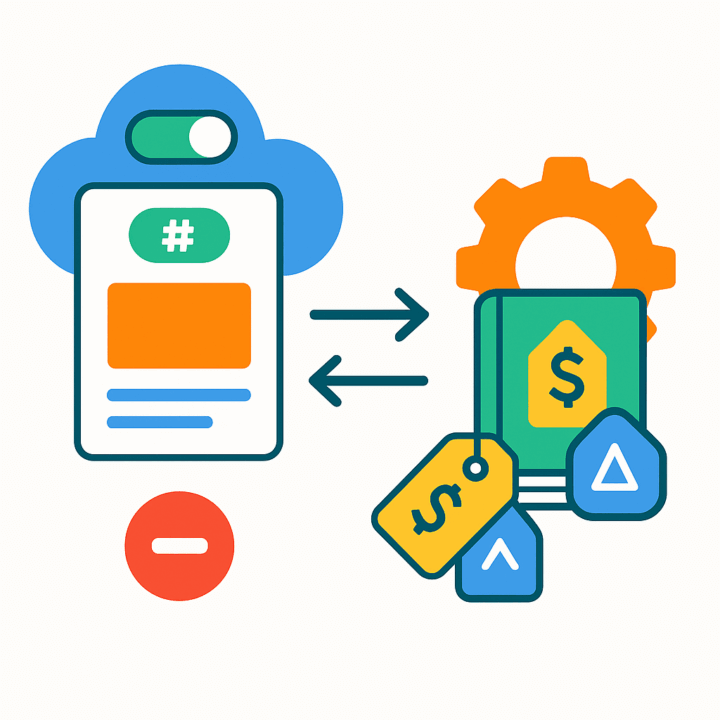
Item and price book synchronization with governance
Item import can be enabled to create items in Acumatica from Salesforce; if disabled, the system matches by Product SKU and blocks the order when an item is not found, preventing bad postings. You can extend synchronization via Add Items in Inventory Sync and automatically generate product IDs with a numbering sequence. Item Details shows Salesforce IDs, codes, names, prices, and weights; operators can load Acumatica items, sync to Salesforce, or sync all from Salesforce. Price Book Details loads price books by the last imported date, and an export screen sends only changed items. A Salesforce Price Books workspace lets you add products and maintain list prices; items must exist in the standard price book before they can be added elsewhere, and items already in Salesforce price books are auto-recognized during order import.
5
Discount governance and export
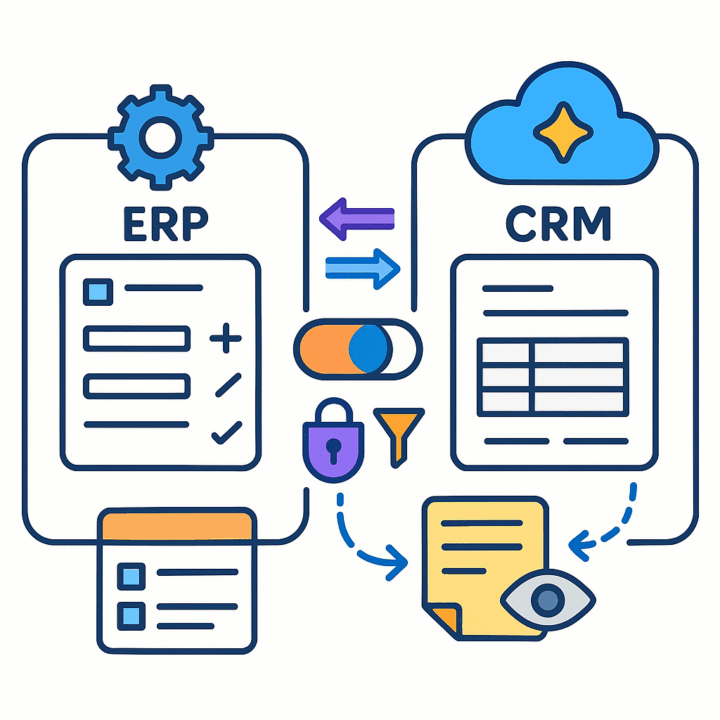
Discount codes can be created or updated in Salesforce from an Export Salesforce Discounts screen. Line-level and document-level discounts are supported. A simple “Salesforce Synced” flag on the discount in Acumatica determines whether a code appears for export, keeping the outbound list accurate and avoiding duplicate or stale codes in Salesforce.

6
Bidirectional order updates from Acumatica to Salesforce
The Sync Orders To Salesforce screen allows controlled, selective updates back to Salesforce. At the line level you can change descriptions, discount codes, and discount amounts or add and delete lines; at the document level you can update addresses, order date, description, totals, freight, discounts, and taxes. Internal notes are retrieved from Salesforce into the Sales Order Notes area (read-only) to preserve context. For safety and predictability, only orders in On Hold or Open status are eligible for this update cycle.
Tagline
SCHEDULE A DEMO
«Consider this integration solution as the digital backbone connecting the brain (Salesforce CRM) and the muscles (Acumatica ERP) of your organization. Just as a healthy backbone ensures seamless communication and coordinated action throughout the body, this integration guarantees that sales insights flow directly into operational execution and financial reporting, allowing your entire business to move as one agile, efficient entity.»
Tagline
SCHEDULE A DEMO
«Consider this integration solution as the digital backbone connecting the brain (Salesforce CRM) and the muscles (Acumatica ERP) of your organization. Just as a healthy backbone ensures seamless communication and coordinated action throughout the body, this integration guarantees that sales insights flow directly into operational execution and financial reporting, allowing your entire business to move as one agile, efficient entity.»
Shopify Connector is an integration link for two platforms‒Shopify’s e-commerce system and Acumatica
Cloud ERP. The connector supplies all the tools a business needs to improve its order processing strategy,
to simplify inventory management, pricing, payment, and streamline its logistics processes. Bilateral
synchronization makes it possible to manage orders in Acumatica and mark them fulfilled in the Shopify system automatically. Using this connector allows better time management and facilitates the connection between the platforms. Above all, the connector also streamlines the process of handling the payment information.
Consignment Processing in Acumatica provides companies with advanced tools to manage the location and sales of inventory at customer sites. The solution enables control of both quantities and valuation of inventory across multiple consignee locations. It simplifies the order process for consignment items, improves visibility by showing quantities of sold and unsold items, and automates key processes from shipping to invoicing and returns.By offering a dedicated system for consignment operations, businesses can increase operational efficiency and maintain accurate control of their consignment inventory. The functionality can be deployed by creating a new customization project, which can then be published for multiple tenants.
Kit Processing is a powerful Acumatica ERP integration designed to optimize the management and sale of kit items. The solution improves operational efficiency by streamlining processes ranging from sales order entry to fulfillment and procurement.It provides seamless control of serialized kits and their components directly within the Acumatica system, ensuring greater flexibility, accuracy, and consistency across operations. This allows businesses to configure product offerings according to their needs while maintaining full visibility and control.Overall, Kit Processing is a key tool for organizations seeking to automate workflows, strengthen inventory management, and deliver a reliable and enhanced customer experience.
WHAT OUR CLIENTS SAY
“Exceptional experience from start to finish — their professionalism truly stands out.”
Laura Bennett
Marketing Director
“Fast, reliable, and always one step ahead. Couldn’t ask for better support.”
David Romero
Head of Operations
“They deliver quality every single time. A trusted partner for our business growth.”
Sophie Klein
Managing Partner