WooCommerce
WooCommerce–Acumatica Integration connects your WooCommerce store to Acumatica through a governed store configuration with authenticated API access. It retrieves orders from WooCommerce and imports selected ones into Acumatica; when shipments created from those orders are confirmed in Acumatica, fulfillment events are generated back in WooCommerce. Administrators centralize credentials and defaults in one place, while operators work from dedicated screens to sync catalog data, prices, taxes, categories, quantities, and cross-references—resulting in consistent postings, accurate availability, and an auditable, repeatable flow.
WooCommerce
WooCommerce–Acumatica Integration connects your WooCommerce store to Acumatica through a governed store configuration with authenticated API access. It retrieves orders from WooCommerce and imports selected ones into Acumatica; when shipments created from those orders are confirmed in Acumatica, fulfillment events are generated back in WooCommerce.
Administrators centralize credentials and defaults in one place, while operators work from dedicated screens to sync catalog data, prices, taxes, categories, quantities, and cross-references—resulting in consistent postings, accurate availability, and an auditable, repeatable flow.
1
Governed store setup and secure connectivity
Store Preferences collect all required connection settings (consumer key, consumer secret, base URL, and WordPress credentials) and provide a Test Credentials action to verify API reachability before processing. A store code and description identify each connection, so multiple stores can be administered consistently. This single surface reduces mid-flow failures and keeps imports, exports, and postings predictable.

2
End-to-end order import and fulfillment alignment
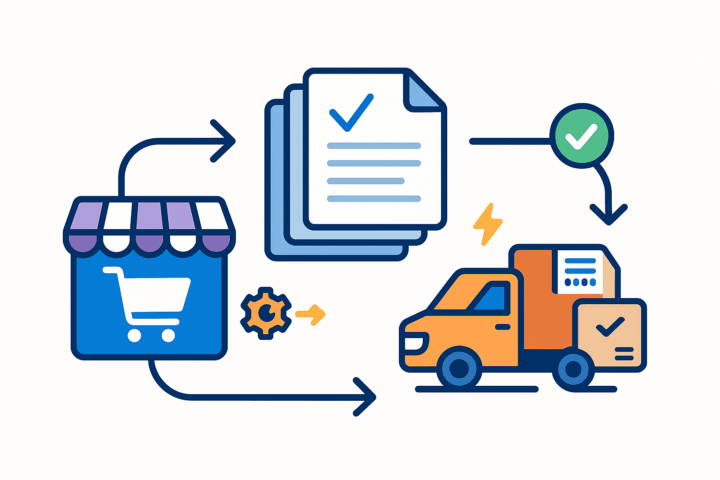
The connector retrieves orders from WooCommerce and imports the selected ones into Acumatica as standard documents on the Sales Orders screen. After users create and confirm shipments for those orders, fulfillment events are generated in WooCommerce automatically—keeping storefront status aligned with released ERP actions without manual re-entry.
3
Item modeling, controlled creation, and incremental sync
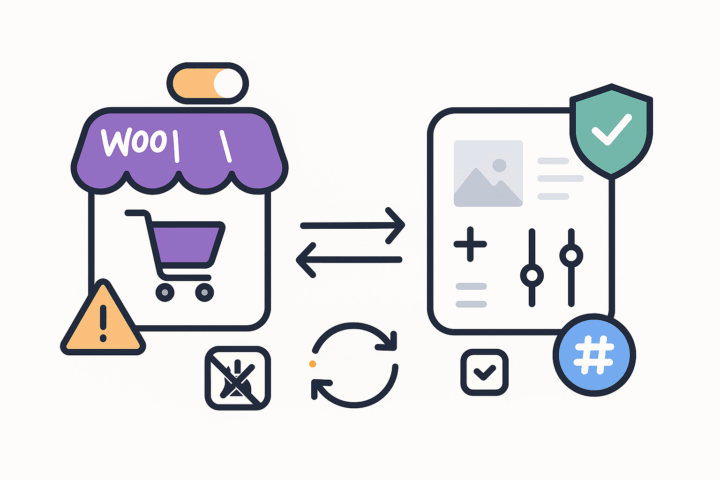
Item creation and behavior are policy-driven. You may allow importing items from WooCommerce into Acumatica (choosing item type and UOM), or require that items already exist; if a WooCommerce SKU cannot be matched and import is disallowed, the system blocks the document with a clear error. Optional features include syncing images and attributes, populating Inventory Details during import, and showing only changed items on export to reduce noise. A numbering sequence can generate SKUs when missing, ensuring uniqueness at scale.

4
Pricing and tax synchronization with selectable price basis
During item synchronization, you can choose the export price type: default price or MSRP. A dedicated screen supports MSRP export, and if MSRP is selected as the export basis, that choice is honored across relevant sync screens. Item-level tax fields (WooCommerce Tax Status and Tax Category ID) are maintained so WooCommerce tax status mirrors the Acumatica stock item’s tax category during sync, keeping storefront taxation consistent with ERP policy.
5
Cross-references, warehouses, and quantity-basis control
Cross-reference options govern which entities can be mapped; for example, WooCommerce Order Ship Via values are mapped to Acumatica Ship Via so the imported document carries a valid carrier/service, visible in Delivery Settings on the Sales Orders Shipping tab. Warehouse Details defines which Acumatica warehouses participate in WooCommerce quantity sync. Exported quantities can reflect the sum across selected warehouses, using your chosen basis (On hand, Available, or Available for Shipment) to avoid over-promising.


6
Catalog operations, categories, and publish lifecycle
Item Details provides a single workspace to load Acumatica and WooCommerce items, sync in either direction, publish or unpublish products, fetch a product by ID, and purge working grids. When items are synced from Acumatica to WooCommerce, a new product is created and its unique WooCommerce ID is written back to Acumatica for traceability. Category administration is included: pull WooCommerce categories, create categories in Acumatica, and sync them to WooCommerce—keeping the merchandising tree aligned.
Tagline
SCHEDULE A DEMO
«Imagine the WooCommerce-Acumatica Connector as your highly efficient, behind-the-scenes business manager. While your WooCommerce store is busy taking orders from customers, this connector diligently works in the background, acting like a dedicated employee who instantly picks up all the details—orders, customer information, inventory changes—and then accurately logs and processes them in your Acumatica business system45. It ensures that your online sales translate directly and accurately into your inventory, shipping, and accounting records, allowing your whole business to run smoothly without you lifting a finger»
Tagline
SCHEDULE A DEMO
«Imagine the WooCommerce-Acumatica Connector as your highly efficient, behind-the-scenes business manager. While your WooCommerce store is busy taking orders from customers, this connector diligently works in the background, acting like a dedicated employee who instantly picks up all the details—orders, customer information, inventory changes—and then accurately logs and processes them in your Acumatica business system45. It ensures that your online sales translate directly and accurately into your inventory, shipping, and accounting records, allowing your whole business to run smoothly without you lifting a finger»
Shopify Connector is an integration link for two platforms‒Shopify’s e-commerce system and Acumatica
Cloud ERP. The connector supplies all the tools a business needs to improve its order processing strategy,
to simplify inventory management, pricing, payment, and streamline its logistics processes. Bilateral
synchronization makes it possible to manage orders in Acumatica and mark them fulfilled in the Shopify system automatically. Using this connector allows better time management and facilitates the connection between the platforms. Above all, the connector also streamlines the process of handling the payment information.
Gift Card Processing is a native extension for Acumatica that manages the full gift card lifecycle—from issuance and sale through redemption, balance tracking, history, and returns—directly within Sales Orders, Invoices, and AR payments. It supports both non-stock (code-based) and serialized stock cards, optional expiration control, and centralized setup and governance. The result is consistent processing, accurate balances, and an auditable record of every transaction without side spreadsheets or ad-hoc tools.
ShipHero–Acumatica Integration is a native extension that synchronizes fulfillment and ERP data through a governed store configuration. It supports two directional modes (ShipHero to Acumatica and Acumatica to ShipHero), validates connectivity, imports orders and shipments, exports orders and purchase orders, brings receipts back, and synchronizes items, vendors, warehouses, and inventory quantities. Centralized options for taxes, packaging, customers, items, and cross-references keep postings consistent and auditable across the order, shipment, and receiving lifecycle.
WHAT OUR CLIENTS SAY
“Exceptional experience from start to finish — their professionalism truly stands out.”
Laura Bennett
Marketing Director
“Fast, reliable, and always one step ahead. Couldn’t ask for better support.”
David Romero
Head of Operations
“They deliver quality every single time. A trusted partner for our business growth.”
Sophie Klein
Managing Partner