

Clover Connector
Clover–Acumatica Integration connects the Clover point of sale to Acumatica through a governed store configuration. It brings register sales in as invoices or sales orders with their payments, tips and tax, returns money through the same channel it was taken, and keeps items, prices, customers and stock aligned between the two systems. It also turns Acumatica into a place where card payments are taken: a payment on a document can be run on a Clover terminal, with the approval, card details and optional signature recorded against the document.
Clover Connector
Clover–Acumatica Integration connects the Clover point of sale to Acumatica through a governed store configuration. It brings register sales in as invoices or sales orders with their payments, tips and tax, returns money through the same channel it was taken, and keeps items, prices, customers and stock aligned between the two systems.
It also turns Acumatica into a place where card payments are taken: a payment on a document can be run on a Clover terminal, with the approval, card details and optional signature recorded against the document. Counter sales, back-office invoicing and inventory all end up on one set of books, with a traceable link from every document back to the sale that produced it.
1
Register sales become Acumatica documents, without re-keying
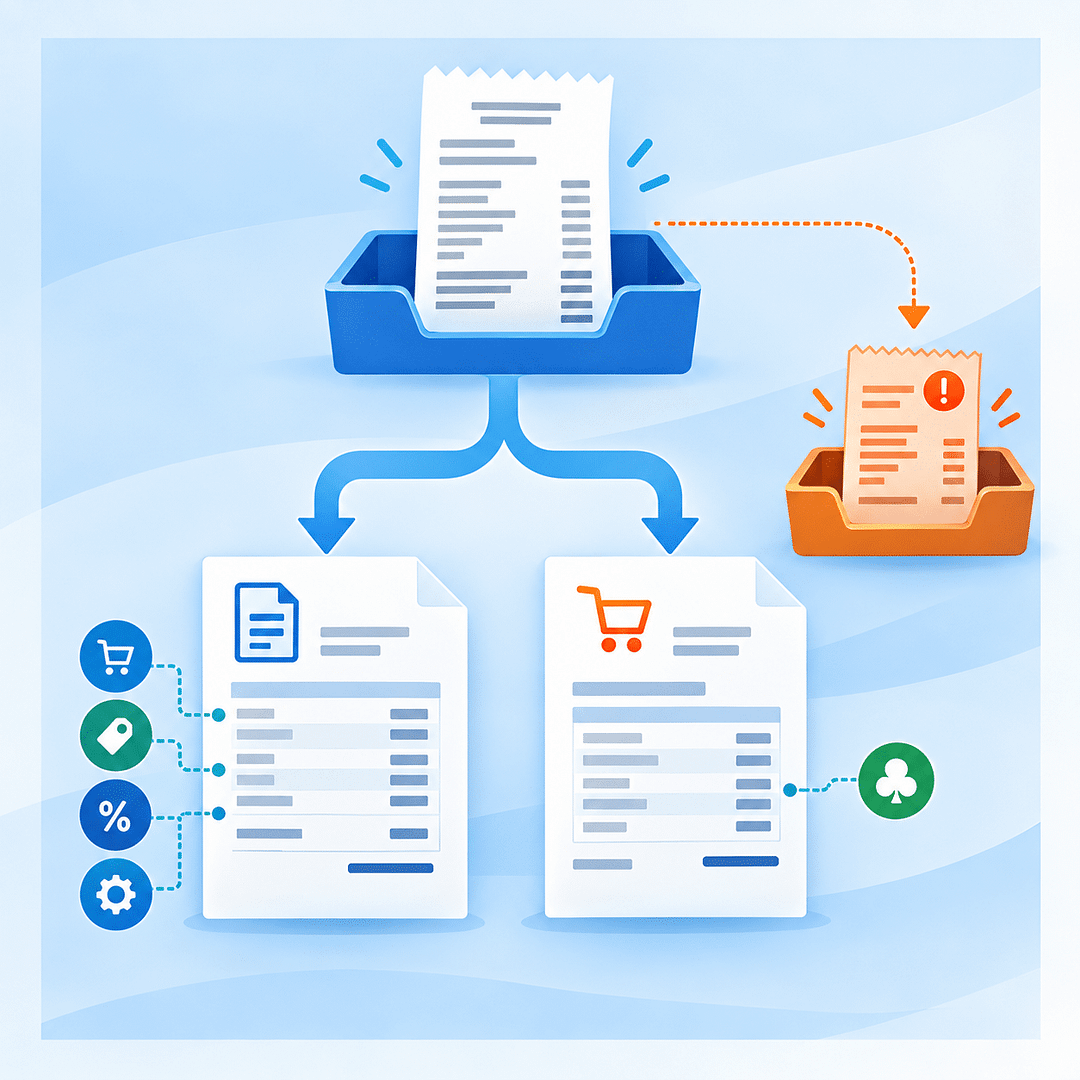
Sales rung up on Clover are brought into Acumatica and become invoices, or sales orders where the business works that way. Each document carries a line for every item sold at the price the register charged, together with the discount, service charge and tip the sale recorded, and the tax Clover calculated at the counter — so the document matches the customer’s receipt to the cent. Sales are pulled and imported in two deliberate steps, letting operators review before posting and retry any sale that needs attention.
2
Payments and tenders posted to the accounts finance chose
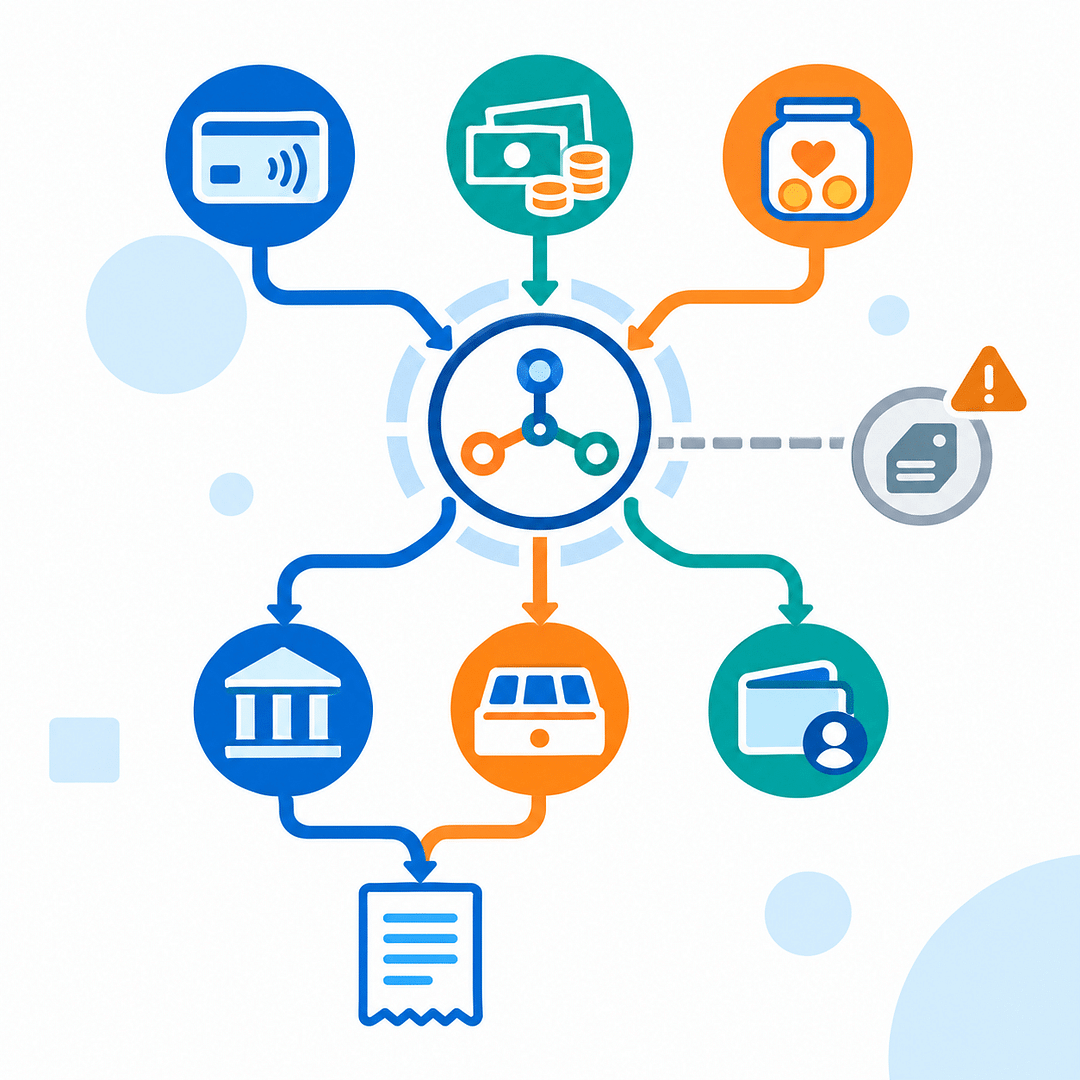
Every payment taken on the register arrives with the sale and is recorded against the document, including split tenders. Each Clover tender is mapped once to an Acumatica payment method and cash account, so money lands where finance chose. Unmapped tenders are reported rather than guessed, and tips remain visible as their own line for payroll and reporting.
3
Card payments taken on a Clover terminal from Acumatica
A payment on an Acumatica document can be taken on the Clover terminal at the counter. The amount is sent to the device, the customer pays there, and Acumatica records the Clover reference, card type, last four digits and authorization code. Optional signatures are filed with the payment, and refunds can return money to the original card in full or in part.

4
Returns and refunds that close the loop on both sides
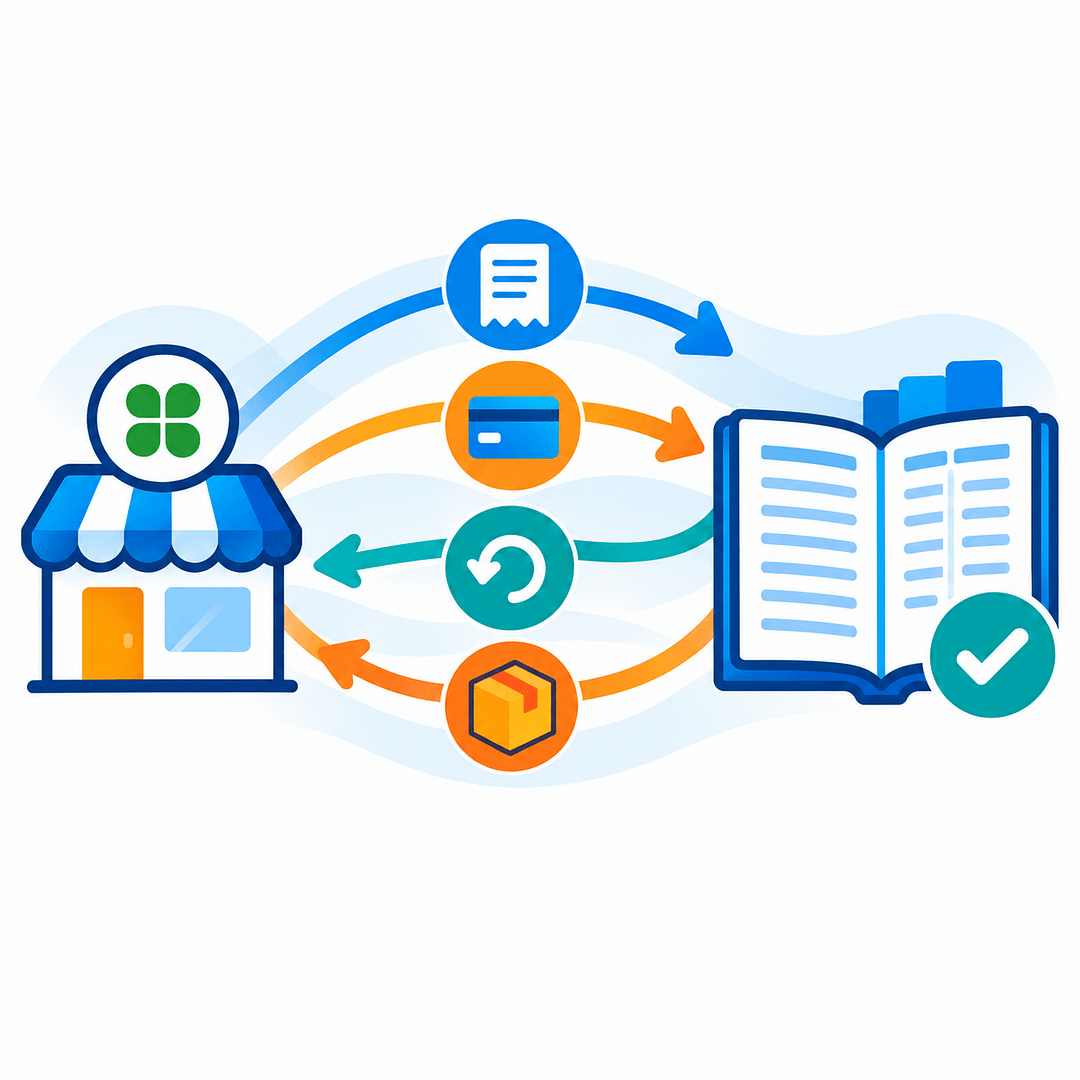
Refunds given at the register are brought into Acumatica as credit memos against the original invoice, carrying the returned lines, discounts and tax. Refunds issued in Acumatica flow back to the original card through Clover. Whichever side starts the return, the sale, returned lines and money movement remain connected and traceable.
5
Items, prices and customers aligned between counter and back office
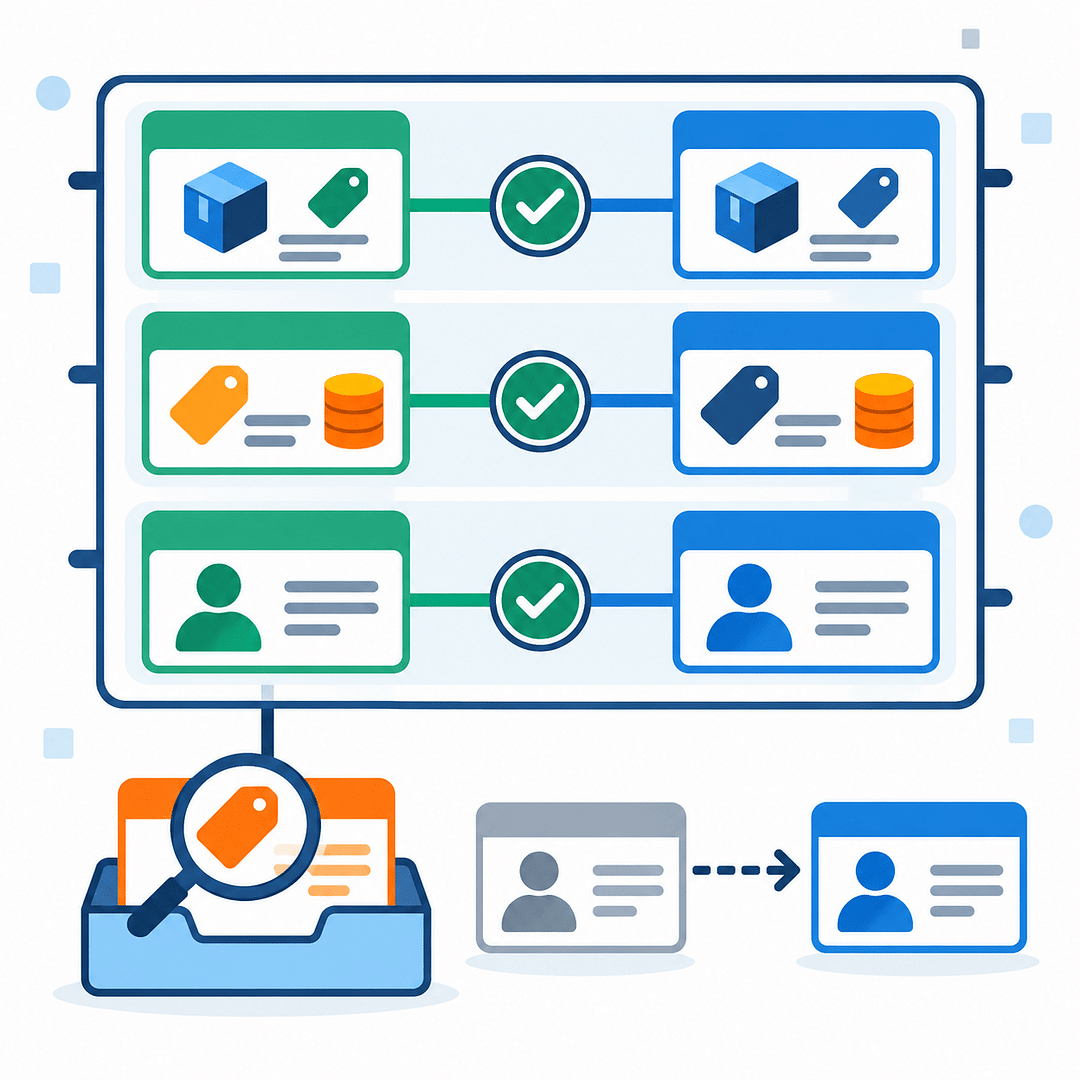
Products are matched on SKU, with Clover items able to create Acumatica records and Acumatica items publishable to Clover with description, price and category. Customers are matched too, while anonymous sales use a default customer. A visible cross-reference shows what is linked and what still needs review, avoiding silent guesses during import.
6
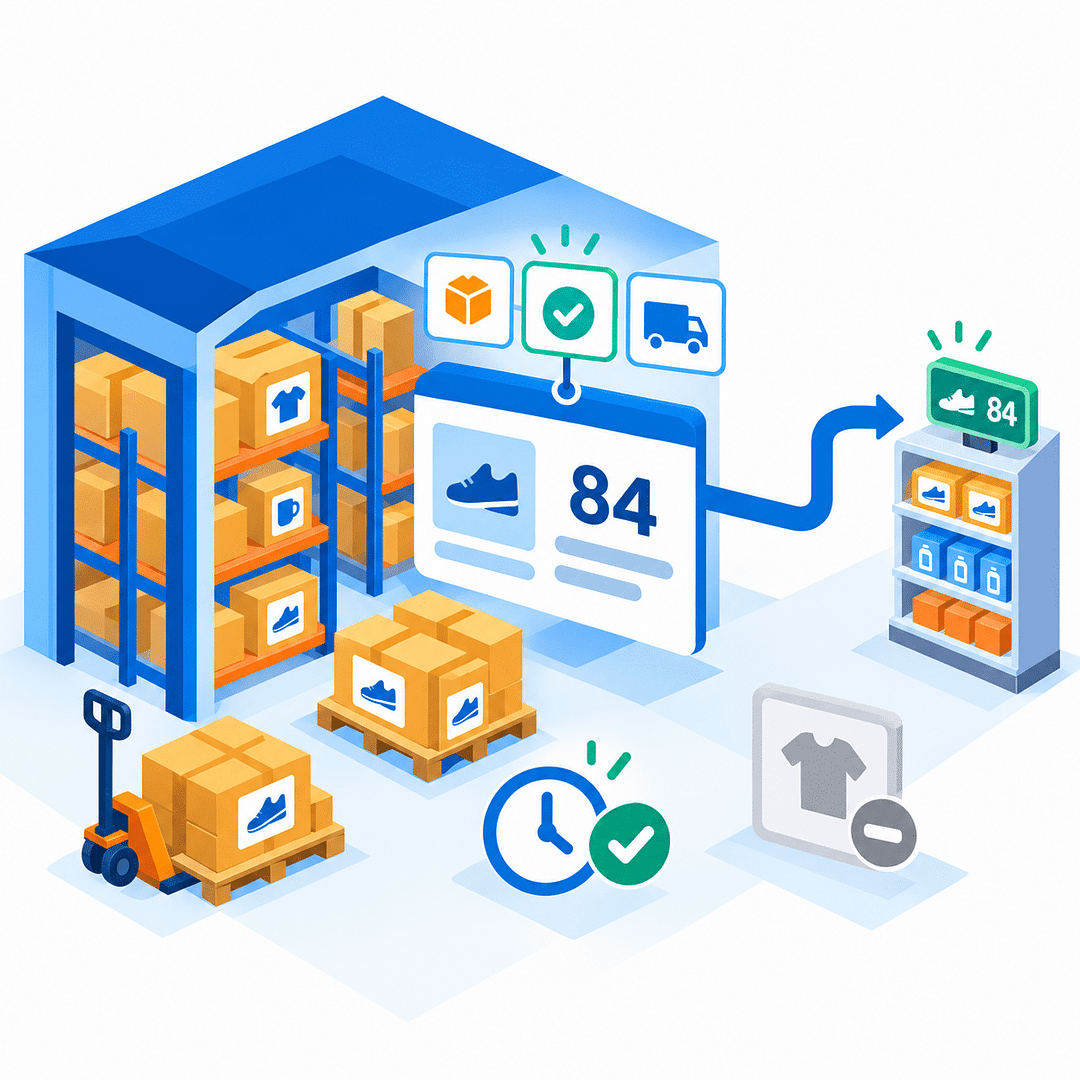
Stock quantities kept current at the register
Acumatica quantities are sent to Clover so the register sells from the same figure as the warehouse. Businesses choose on-hand, available or available-for-shipping quantities and whether they come from one warehouse or the whole company. Acumatica remains the source of truth, with each item showing the quantity Clover holds and when it was last sent.
Tagline
SCHEDULE A DEMO
Think of the Clover Connector as the bridge between your counter and your ledger. Every sale, tip, refund and card swipe crosses it once, in the right direction, and arrives as a document your accountant would have written — so the till and the books never have to be argued into agreement.
Tagline
SCHEDULE A DEMO
Think of the Clover Connector as the bridge between your counter and your ledger. Every sale, tip, refund and card swipe crosses it once, in the right direction, and arrives as a document your accountant would have written — so the till and the books never have to be argued into agreement.

Shopify Connector is an integration link for two platforms‒Shopify’s e-commerce system and Acumatica
Cloud ERP. The connector supplies all the tools a business needs to improve its order processing strategy,
to simplify inventory management, pricing, payment, and streamline its logistics processes. Bilateral
synchronization makes it possible to manage orders in Acumatica and mark them fulfilled in the Shopify system automatically. Using this connector allows better time management and facilitates the connection between the platforms. Above all, the connector also streamlines the process of handling the payment information.
ShipHero–Acumatica Integration is a native extension that synchronizes fulfillment and ERP data through a governed store configuration. It supports two directional modes (ShipHero to Acumatica and Acumatica to ShipHero), validates connectivity, imports orders and shipments, exports orders and purchase orders, brings receipts back, and synchronizes items, vendors, warehouses, and inventory quantities. Centralized options for taxes, packaging, customers, items, and cross-references keep postings consistent and auditable across the order, shipment, and receiving lifecycle.
Salesforce–Acumatica Integration provides a governed store configuration that connects Salesforce and Acumatica with credential validation, cross-reference mapping, and policy-driven import and export flows. Orders are imported from Salesforce into Acumatica with configurable defaults; customers, items, price books, and discounts can be synchronized; and approved changes in Acumatica can be pushed back to Salesforce. Options for taxes, payments, and address overrides keep postings compliant, while inquiry and history pages give operators traceability from initial import through updates and releases.
WHAT OUR CLIENTS SAY
“Exceptional experience from start to finish — their professionalism truly stands out.”
Laura Bennett
Marketing Director
“Fast, reliable, and always one step ahead. Couldn’t ask for better support.”
David Romero
Head of Operations
“They deliver quality every single time. A trusted partner for our business growth.”
Sophie Klein
Managing Partner

