
How to Connect Magento to Acumatica
Link your Magento store to your ERP so orders, products, customers, inventory, and fulfillment stay in sync — automatically.
When your store and your ERP don’t talk
If you sell on Magento and run your business on Acumatica, you’re keeping two systems in step by hand. Orders arrive on your store, and someone re-enters them into Acumatica. Stock counts drift apart. A product stays listed online after you’ve sold out. It’s slow work, and every manual step is a chance for a costly mistake.
The Biz-Tech Magento Connector closes that gap. It links your Magento store and Acumatica so orders, products, customers, inventory, and fulfillment flow between them automatically. Let’s walk through how you connect the two.
Step one: enter your Magento credentials
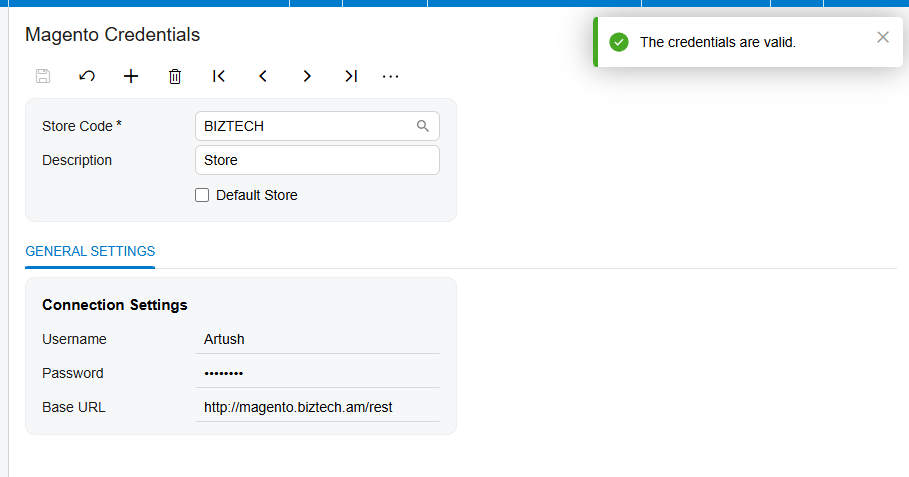
The connection runs through Magento’s API, so setup starts with credentials. Once the connector is installed, a Magento workspace appears inside Acumatica. On the Magento Credentials screen you enter your store’s username, password, and web address, and then you press Test Credentials. When the connection succeeds, your store is linked and you’re ready to configure how it behaves.
Setting up the Magento Store
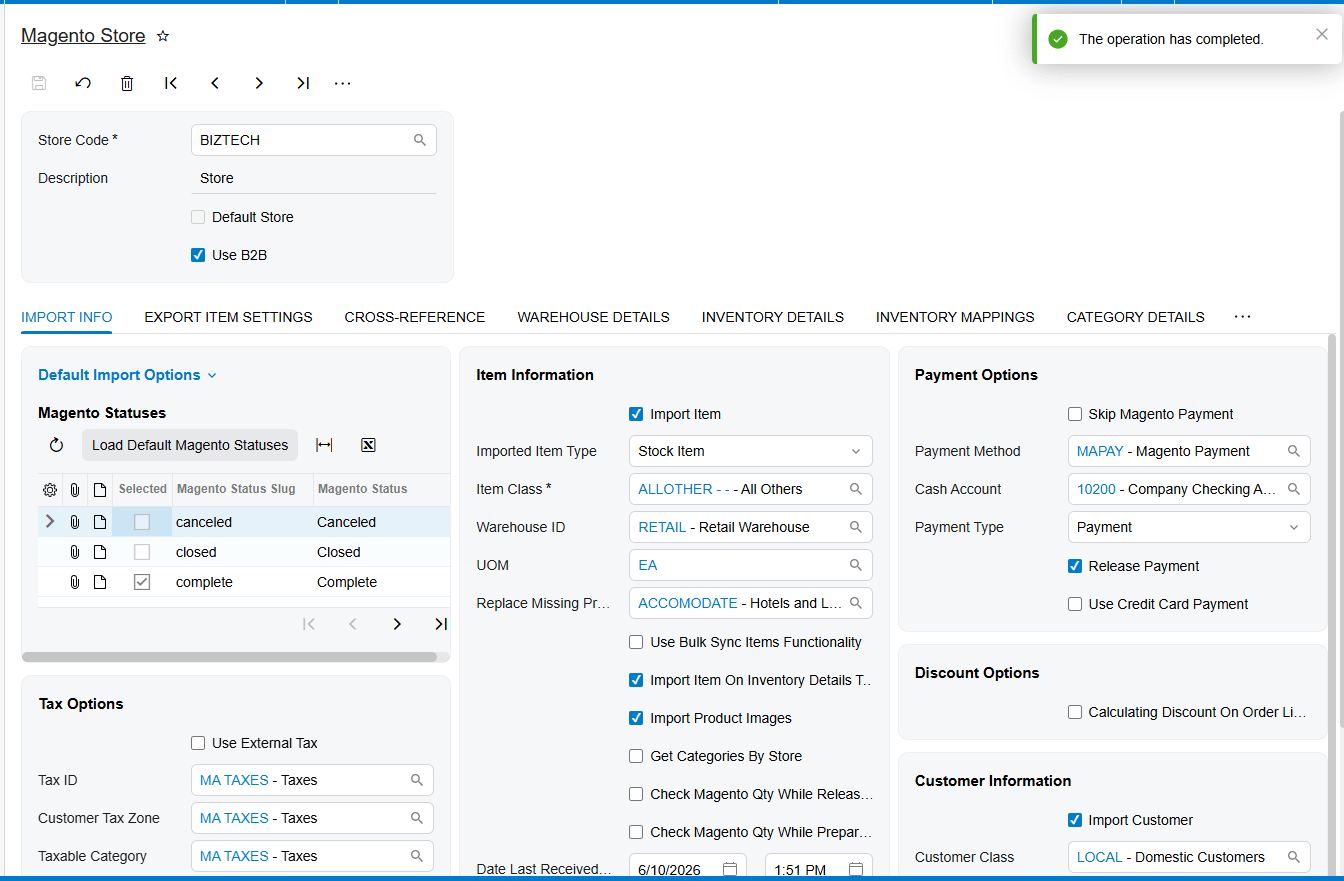
The Magento Store screen is the control center for the whole integration. This is where you decide how orders come in, including which Acumatica document they become and the default order type. You also set the defaults for new records, like the customer class for new customers, the item settings for new products, your tax handling, and how payments are treated. Configure this once, and everything downstream follows your rules.
Bringing orders in
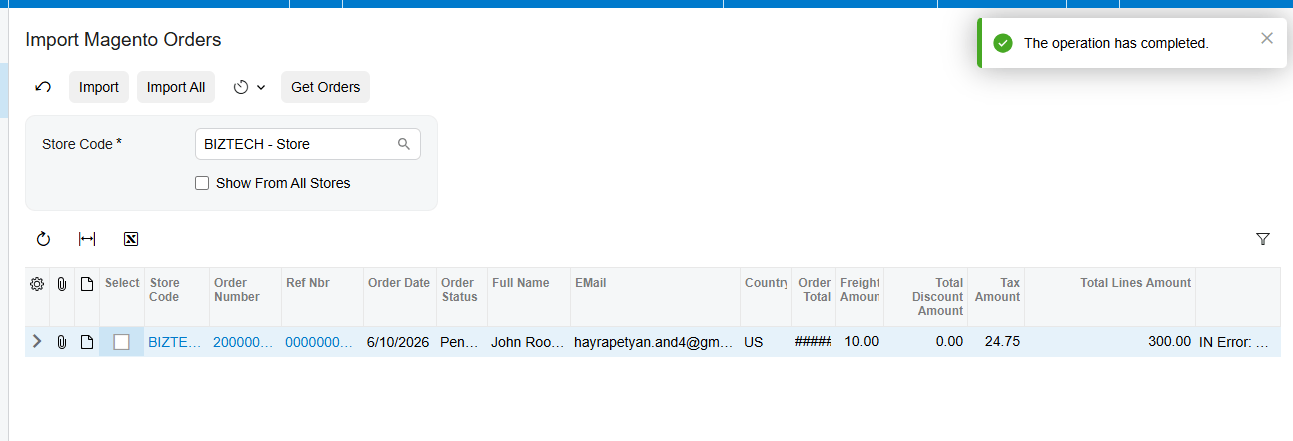
With that in place, importing orders is simple. On the Import Magento Orders screen you press Get Orders, and the connector retrieves your Magento orders for the period you choose, based on their status, like processing, pending, or partially shipped. From there you import them one at a time or all at once, and you can put it on a schedule so new orders come in on their own.
Keeping customers connected
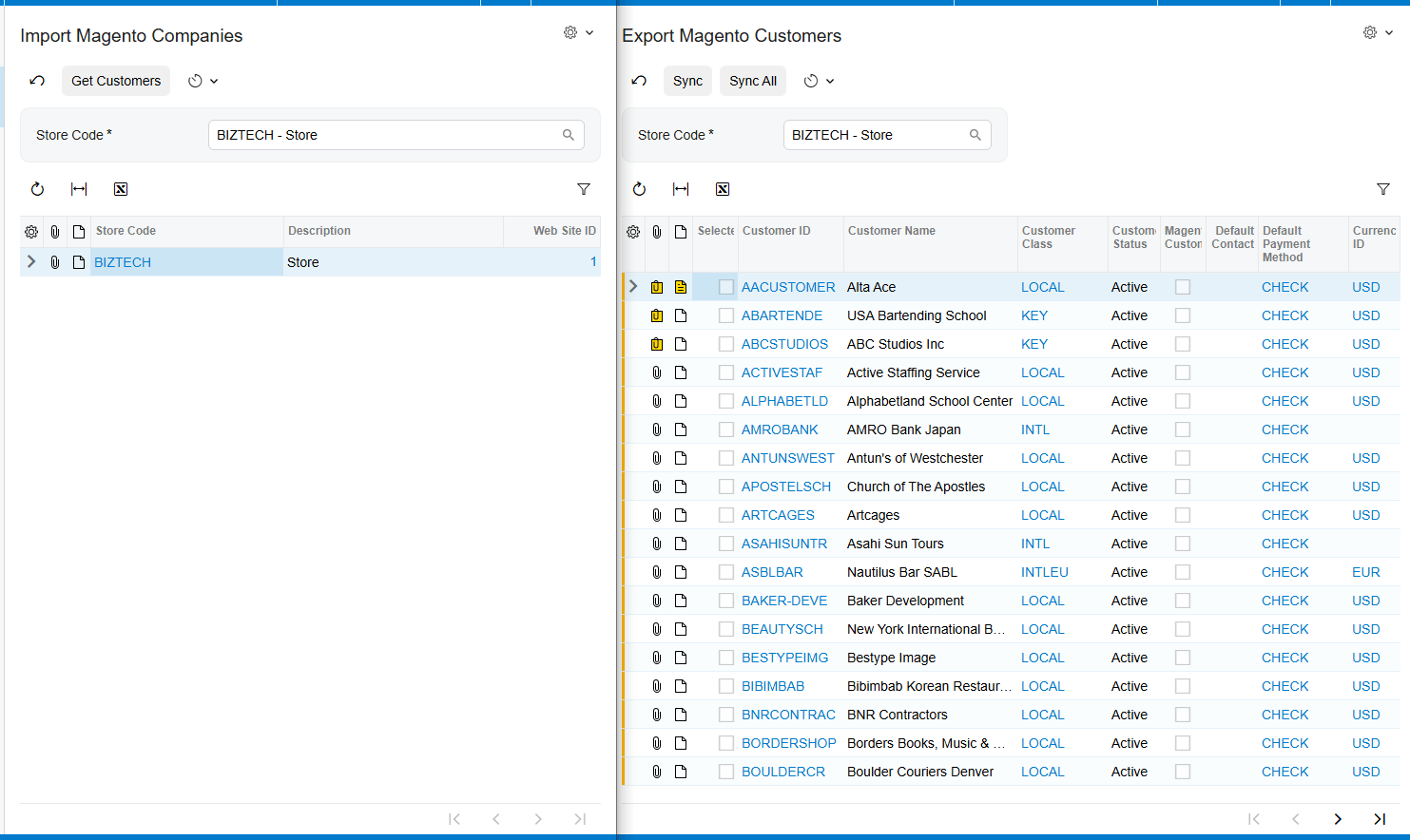
Customers stay in sync too. When an order arrives, the connector can create or match the customer in Acumatica, applying a default class to anyone new. And it works the other way as well: you can export customers from Acumatica to Magento, and it lines up your Magento customer groups with your Acumatica price classes, so each buyer sees the right pricing.
Syncing products, categories, prices, and images
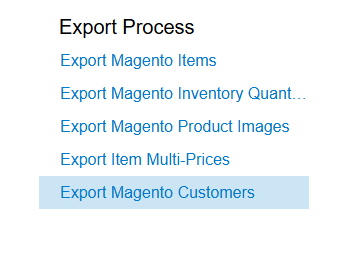
Your catalog stays aligned in both directions. You can push Acumatica items out to Magento or pull Magento items in, matched up by their SKU, and publish or unpublish them to control what’s for sale. Product categories sync across as well, so your store stays organized. And the details that matter for selling come along too your prices, including customer-specific and volume pricing, and your product images all export to Magento right alongside the items.
Inventory that stays accurate
Once your products are connected, keeping quantities aligned is automatic. From the inventory screen, the connector sends your Acumatica stock levels to Magento, using the combined total across the warehouses you choose and the measure you prefer, like on hand or available. That’s what keeps you from selling something you no longer have.
Closing the loop with fulfillment
Fulfillment flows back automatically. When you confirm a shipment in Acumatica and prepare the invoice, the connector creates the matching fulfillment in Magento, and it can notify your customer that the order is on its way. The order is marked shipped on both sides, with no one logging into Magento to do it by hand.
Handling refunds
Refunds are handled end to end. You import refunded orders from Magento, and the connector responds based on how far the order has gone, whether that’s creating a customer refund payment, reducing the refunded quantity on a partial refund, or issuing a credit memo once the order has been invoiced. Either way, your books stay in step with what actually happened on the store.
The bottom line
Once it’s connected, your Magento store and your Acumatica system work as one. Orders flow in, the catalog and customers stay aligned, inventory stays accurate, and fulfillment and refunds take care of themselves. Your team stops re-keying data and gets back to growing the business.
If you’d like help connecting your own store, the team at Biz-Tech Services does exactly this. Visit biz-techservices.com to book a walkthrough and see your Magento orders flow straight into Acumatica.